
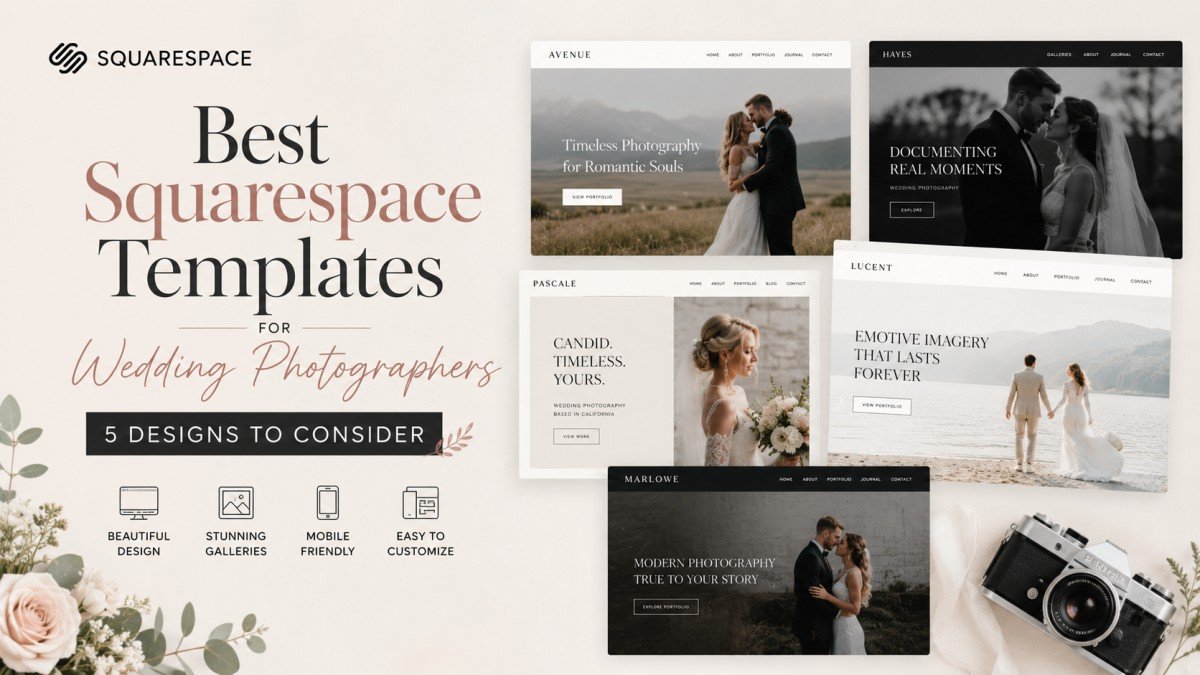
You’ve spent hours capturing a wedding day: the nervous smiles, the ugly-cry moments, the first dance, and that golden-hour shot that makes you stop scrolling. Then you open your website and think, “Why does none of this feel as good online?”
I’ve used Squarespace long enough to know that choosing a template isn’t simply about picking the prettiest demo. Your website needs to showcase your photography, tell couples what you offer, build trust, and make it ridiculously easy to get in touch. That’s where the right Squarespace templates come in.
What To Look For In a Wedding Photography Website?
Before falling head-over-heels for a beautiful demo, look at how it actually works.
A strong photography website should give your images room to breathe while keeping the visitor journey simple. Look for:
- Large, immersive galleries
- Clear Portfolio and Services pages
- An easy-to-find Contact or Inquiry button
- Mobile-friendly layouts
- Space for testimonials and real wedding stories
- A blog for helpful, search-friendly content
- Simple navigation
There’s another thing I never ignore: image performance. Google recommends descriptive filenames and useful alt text for images, while also warning that large image files can make pages heavier.
5 Squarespace Templates for Wedding Photographers
Quincy – For Bold, Editorial Photography
If your photography is dramatic, cinematic, and full of personality, Quincy is worth a look. Its visual-first approach lets your photographs do most of the talking.
I’d choose this if you want a polished portfolio without covering every inch of the homepage with text. Your strongest images become the introduction, while your copy guides visitors toward your services and inquiry page.
Althea – For Romantic, Visual Storytelling
Althea was designed specifically with photographers and creative service providers in mind. It uses Squarespace 7.1 and Fluid Engine, with pages for your portfolio, services, experience, blog, shop, and contact information.
The romantic editorial style makes it a natural fit, making your brand feel elegant and personal rather than overly corporate.
Matsuya – For a Clean, Minimalist Portfolio
Sometimes, less really is more. Matsuya is a good direction if you want your photographs to take centre stage. A clean layout can work particularly well for documentary and fine-art photographers because visitors aren’t distracted by unnecessary design elements.
Just remember: minimalist doesn’t mean empty. Add clear information about your pages, approach, experience, and booking process.
Boho Queen – For a Warm, Relaxed Brand
Boho Queen was created for wedding planners, venues, photographers, designers, and other creatives. It has a warm, personality-driven feel without sacrificing practical pages.
I particularly like this direction for photographers who want their website to feel approachable. The template can also be customized, and its creator says blogs, shops, and scheduling can be added as needed.
Paloma – For Photographers Who Want to Publish
Your website doesn’t have to be just a gallery.
If you want to publish real wedding stories, venue guides, planning tips, or photography advice, a content-friendly design such as Paloma can give those pieces more visibility.
That matters for SEO, too. Google recommends creating helpful, people-first content and ensuring important pages can be accessed through crawlable links.
About Filtering Large Photography Portfolios
Here’s something photographers often overlook. Once you’ve photographed dozens of weddings, scrolling through one enormous gallery can become a chore for potential clients.
A Squarespace filter plugin can help visitors narrow your portfolio by location, wedding style, season, or another category that makes sense for your business.
A universal filter plugin can be especially useful if you want the same filtering approach across different types of content. The goal isn’t to add fancy functionality for the sake of it. It’s to help couples find the work they actually want to see.
How To Choose the Right One
There isn’t one universal winner. The right design depends on your photography style, ideal client, services, and content strategy.
If you’re still comparing the best Squarespace website templates, a curated directory can make the process much easier. For example, Squarewebsites lets you browse modern Squarespace 7.1 designs by category, type, and designer, so you can compare options without endlessly opening random demos.
This practical approach makes sense to me. Shortlist a few designs, test their demos on your phone, imagine your own photographs in them, and check whether the journey from “I love these photos” to “I want to book this photographer” feels effortless.
FAQs
1. How do I make my wedding photography website load faster on Squarespace?
To boost website speed, compress high-resolution images before uploading and follow Google’s media optimization guidelines. Use descriptive alt text, clean filenames, and streamline large galleries into categorized sections using a portfolio filter plugin so visitors and search engines aren’t overwhelmed.
2. What key pages should a wedding photographer’s website include?
A high-converting website should feature an immersive portfolio gallery, detailed services/packages page, about section, client testimonials, a contact/inquiry button, and a blog. Including clear call-to-action buttons makes it effortless for potential couples to navigate and book your photography services.
3. Where can I find and compare top Squarespace photography templates?
You can explore curated lists on websites that feature Squarespace designers and developers, such as Squarewebsites. Browse, filter, and compare modern Squarespace 7.1 designs by type, category, and designer. Websites like this help you evaluate layout options easily without having to open dozens of separate web demos manually.