
Introduction
In many ServiceNow projects, automation begins with a simple request. A ticket needs approval. A manager needs a notification. A task must move to another team. These steps look simple until someone has to build them. Workflow Studio makes this work more visual. Teams can design, test, and manage automation without writing complex scripts for every small process. ServiceNow Classes offer the right guidance for learners as per the industry standards.
Why Visual Automation Matters
Traditional automation can become difficult when workflows contain many conditions. Developers may need to work with scripts, APIs, business rules, and platform settings. That is not practical for every business process.
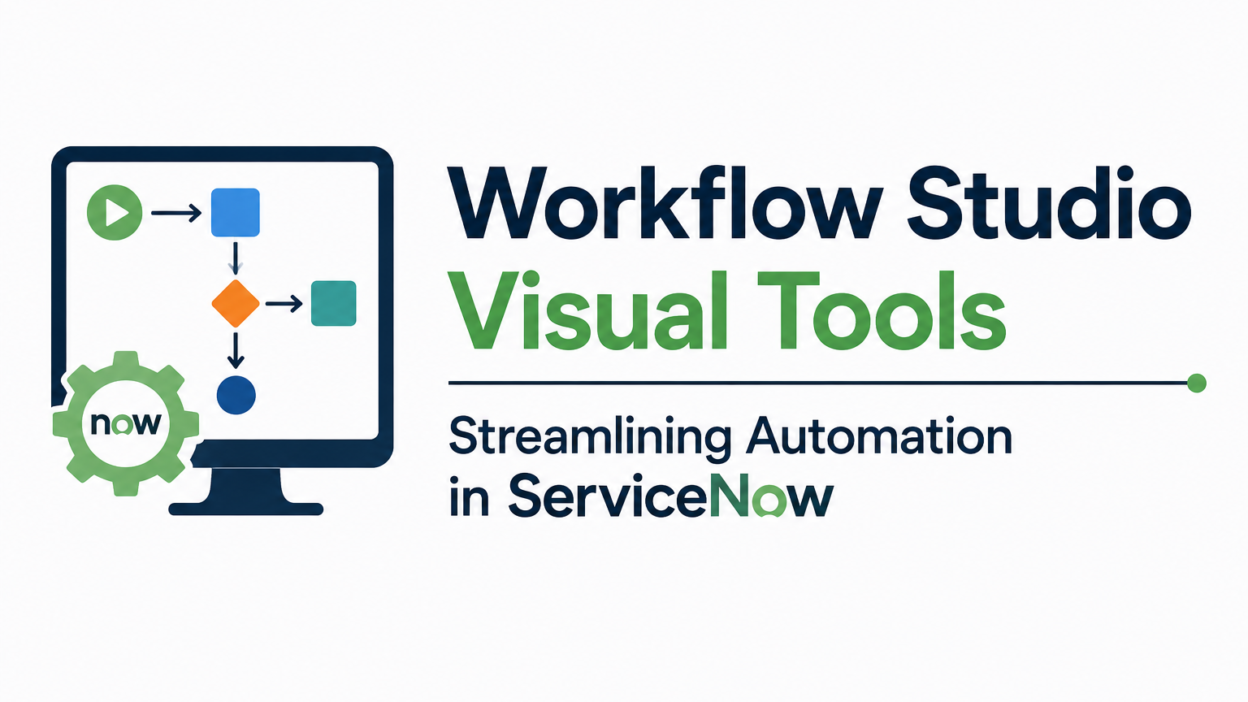
Workflow Studio takes a more visual approach. Users can generate workflows by arranging actions and logic using a graphical interface.
Suppose a new employee joins a company.
The process may involve:
- Generating an employee record
- Requesting a laptop
- Setting up an email account
- Informing the IT team
- Getting approval of the manager
- Assigning onboarding tasks
Without proper automation, employees need to create and track these tasks manually. With Workflow Studio, these steps can be connected into one automated flow.
One thing that often surprises beginners is how much routine work sits behind a simple business request. A visual workflow makes these hidden steps easier to understand.
Understanding Workflow Studio
Workflow Studio is a ServiceNow environment. It is used to create and manage workflows and automations. Users no longer need to build every process from scratch with code. Instead, they can combine reusable actions and logic.
For example, an action can:
- Create record
- Send email
- Update field
- Request approval
- Call another system
- Assign a task
A workflow combines several actions. It also make decisions according to the conditions.
For example:
New laptop request → Check manager approval → Approved → Create fulfilment task
If the manager rejects the request, the workflow follows another path. This visual structure is valuable. Someone reviewing the workflow can understand the process without reading hundreds of lines of code. ServiceNow Training explains how Workflow Studio streamlines repetitive business processes in ServiceNow.
Building Automation Around Business Processes
In practice, the best workflows start with the business process rather than the tool. Suppose an organization receives software access requests. Earlier, an employee might submit a request. An IT employee would review it. The manager would be contacted separately. After approval, another employee might grant access.
Workflow Studio can connect these activities.
| Business step | Possible automation |
| Employee submits request | Start the workflow |
| Manager reviews request | Request approval |
| Request approved | Create fulfillment task |
| Task completed | Update request |
| Process finished | Notify employee |
The result is a connected process rather than a collection of manual activities. This is where visual tools become useful. Stakeholders can look at the workflow and discuss the process directly. This enables them to spot all unnecessary steps and find where the approvals or delays occur.
Reusable Actions Reduce Development Work
Workflow Studio Visual Tools enable users to work with reusable components. Teams no longer need to create the same logic repeatedly. They build reusable actions or subflows. Subflow is a smaller workflow. It performs a specific group of tasks.
For example, an employee onboarding workflow uses a common subflow for sending notifications.
As a result, the workflows stays cleaner. It also makes future changes easier. Teams can update the reusable component whenever the notification process changes. They no longer need tp change every workflow separately.
Connecting Different Systems
Modern businesses operate from a lot of applications. ServiceNow needs to exchange information with identity systems, HR platforms, collaboration tools, other enterprise applications, etc. Workflow Studio supports these integrations using available actions and integration capabilities.
Suppose an access request triggers an external identity system after approval. The workflow continues as per the response. The important point for beginners is simple. Automation does not always mean doing everything inside ServiceNow. It can also coordinate activities across different systems.
Testing and Monitoring Workflows
Building a workflow is only part of the job. It also needs proper testing. I have seen automation projects where the workflow looked fine during development but failed when real data entered the process. A missing field or unexpected condition was enough to stop the flow.
Good testing checks different situations:
- What happens when approval is granted?
- What happens when approval is rejected?
- What if required information is missing?
- What happens when an external system does not respond?
- Can an administrator identify where the workflow stopped?
Monitoring matters after deployment too. Teams need the right visibility into workflow executions and failures. One can join the ServiceNow Admin Course for the best guidance in this field.
Where Workflow Studio Creates the Most Value
Workflow Studio works well for repetitive processes that have clear business rules.
Common examples include:
- Employee onboarding procedures
- IT service requests
- Access approvals
- Incident-related tasks
- Procurement requests
- Customer service processes
- Employee offboarding
The biggest benefit is often operational rather than technical.
Employees spend less time chasing approvals. Service teams receive tasks automatically. Managers get notifications at the right stage. Business users get better visibility into the process.
Conclusion
Workflow Studio brings automation closer to the people who understand business processes. It offers a more visual approach. This makes it easier to design, discuss, test, and maintain the workflows. The ServiceNow Training in Hyderabad is designed for beginners and offers the best practical training. Beginners often prefer it for its clarity. Experienced teams rely on Workflow Studio Visual Tools to reduce repetitive development work. Moreover, it connects different parts of an organization into a smoother process. As a result, automation becomes more practical in daily ServiceNow operations.